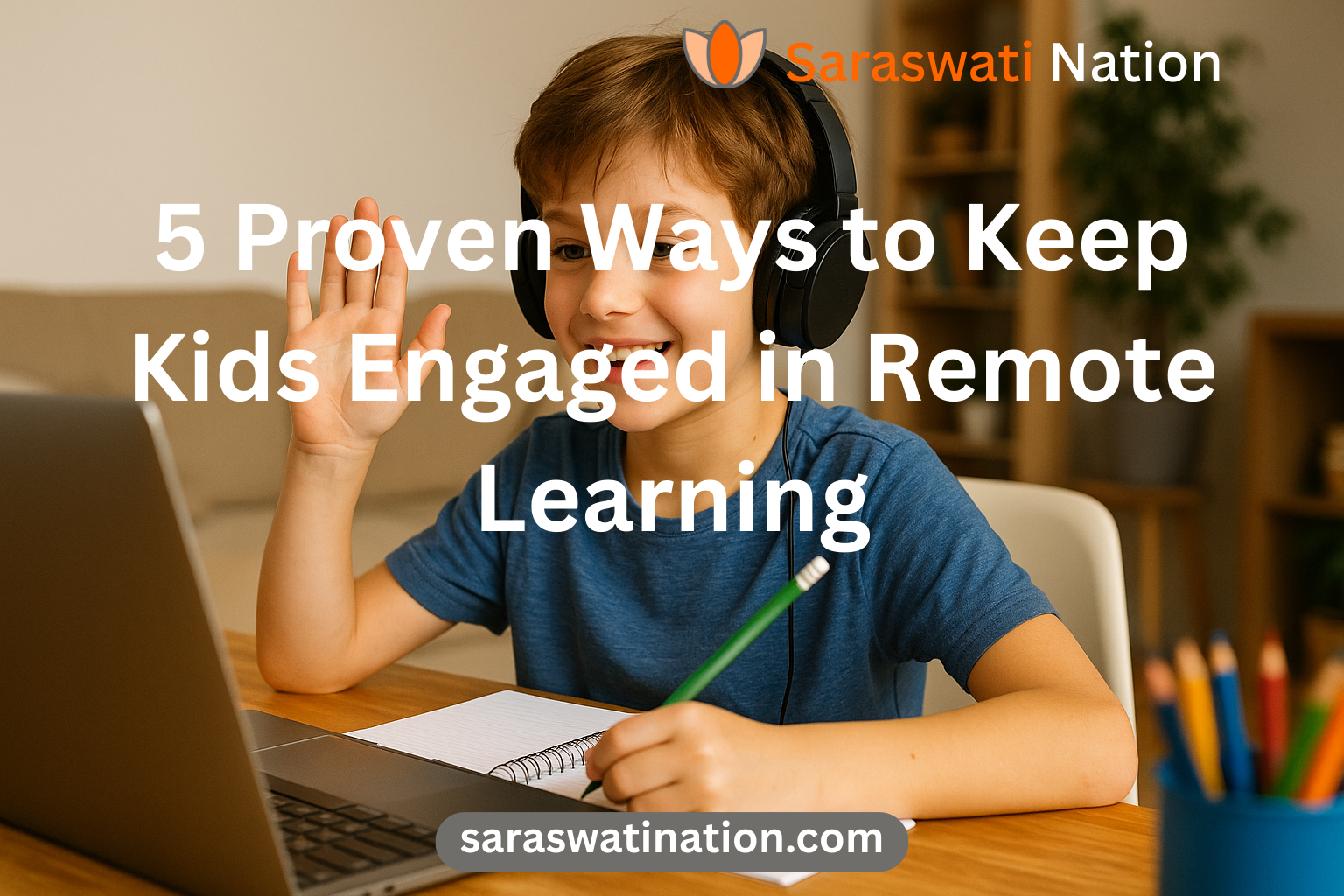
5 Proven Ways to Keep Kids Engaged in Remote Learning
When schools shifted to remote learning, parents of secondary‑school students quickly discovered that keeping teenagers motivated is a whole new challenge. Distractions abound, screen fatigue sets in, and the lack of a physical classroom can make lessons feel disconnected. Yet research from the Journal of Online Learning (2022) shows that students who receive structured, interactive virtual instruction outperform their peers by up to 15 % on standardized assessments.
The good news is that there are proven, low‑cost strategies you can implement at home to turn a passive screen‑time experience into an active, purpose‑driven learning journey. Below are five evidence‑based tactics that work for high‑schoolers, college freshmen, and anyone navigating a digital classroom.
1. Create a Dedicated Learning Zone
| Why It Matters | How to Implement |
|---|---|
| Reduces visual and auditory distractions | Choose a quiet corner, preferably with natural light. Remove toys, food, and unrelated gadgets. |
| Signals to the brain that it’s “study time” | Keep a consistent desk setup: laptop, notebook, pens, and a water bottle. Use a simple “Do Not Disturb” sign during lesson time. |
| Improves posture and ergonomics | Invest in a laptop stand and an external keyboard to avoid neck strain. |
A dedicated space helps the brain switch into “focus mode” faster, cutting the time needed to settle into a lesson.
2. Use the Pomodoro Technique with a Twist
The classic Pomodoro method (25 minutes of work, 5 minutes break) is great, but teenagers benefit from a slight adjustment:
- 25‑minute study block – Follow the teacher’s video or reading assignment.
- 5‑minute “movement break” – Jumping jacks, a quick walk, or stretching.
- After four cycles, take a 15‑minute recharge – Grab a snack, hydrate, and check messages.
Research from the American Psychological Association shows that short, physical breaks improve retention by 12 % and reduce eye strain.
3. Incorporate Interactive Tools
Passive listening leads to mind‑wandering. Replace at least one lecture per day with an interactive element:
| Tool | Use Case | Benefit |
|---|---|---|
| Kahoot! | Live quizzes after a math lesson | Instant feedback, gamified competition. |
| Padlet | Collaborative brainstorming for a history project | Visual idea mapping, peer interaction. |
| Google Docs with comments | Real‑time peer editing of essays | Improves writing skills, teaches constructive criticism. |
| Flipgrid | Short video responses to literature prompts | Builds oral communication, adds a personal touch. |
When students actively participate, they process information at a deeper level, leading to higher grades.
4. Set Clear, Measurable Goals
Vague objectives (“do well in chemistry”) don’t motivate. Use the SMART framework (Specific, Measurable, Achievable, Relevant, Time‑bound) to turn big goals into bite‑size wins.
Example:
- Specific: Complete Chapter 4 of the chemistry textbook.
- Measurable: Finish 20 practice problems and score at least 80 % on the self‑quiz.
- Achievable: Allocate two 25‑minute Pomodoro sessions after school.
- Relevant: Understanding acids and bases is essential for the upcoming lab.
- Time‑bound: Submit the completed worksheet by Friday 5 pm.
Writing goals in a shared Google Sheet lets both parent and student track progress and celebrate achievements.
5. Blend Synchronous and Asynchronous Learning
Purely live classes can feel exhausting, while all‑recorded lessons lack real‑time interaction. A hybrid schedule maximises flexibility and engagement:
- Live Sessions (2‑3 times/week) – Use Zoom or Microsoft Teams for discussions, Q&A, and group work.
- Recorded Lectures (as needed) – Students can pause, rewind, and take notes at their own pace.
- Discussion Boards – Post‑class reflection questions on Google Classroom or Edmodo; peers respond within 24 hours.
This blend respects different learning rhythms and keeps motivation high throughout the week.
Bonus Tip: Leverage a Virtual Personal Assistant
Even with the best strategies, coordinating schedules, tracking assignments, and managing digital resources can overwhelm busy families. A Virtual Personal Assistant (VPA) can:
- Organise the student’s calendar and send reminder alerts.
- Compile weekly progress reports from Google Sheets and share them with parents.
- Handle tech‑support issues (login problems, software updates) so learning never stalls.
Hiring a VPA frees up parental bandwidth, allowing you to focus on encouragement and mentorship rather than logistics.
Take the Next Step
Ready to boost your child’s remote‑learning experience? Explore our curated online courses—designed for high‑school and college students—to complement the strategies above.
Shop courses: https://saraswatination.com/shop/
If you have questions, need a customized tutoring plan, or want to discuss how a Virtual Personal Assistant can streamline your household’s learning workflow, contact us today:
Contact: https://saraswatination.com/contact/
Empower your teen with structure, interactivity, and support—so they thrive, not just survive, in the digital classroom.

You may also like

Students Are Struggling. Could Technology Become Part of the Solution?